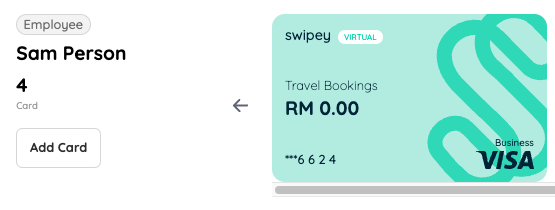
It’s here! Moving funds from the card back to the company’s master account is now INSTANT! 🎊
Get it done in just a few clicks!
1
Log in to your admin dashboard
2
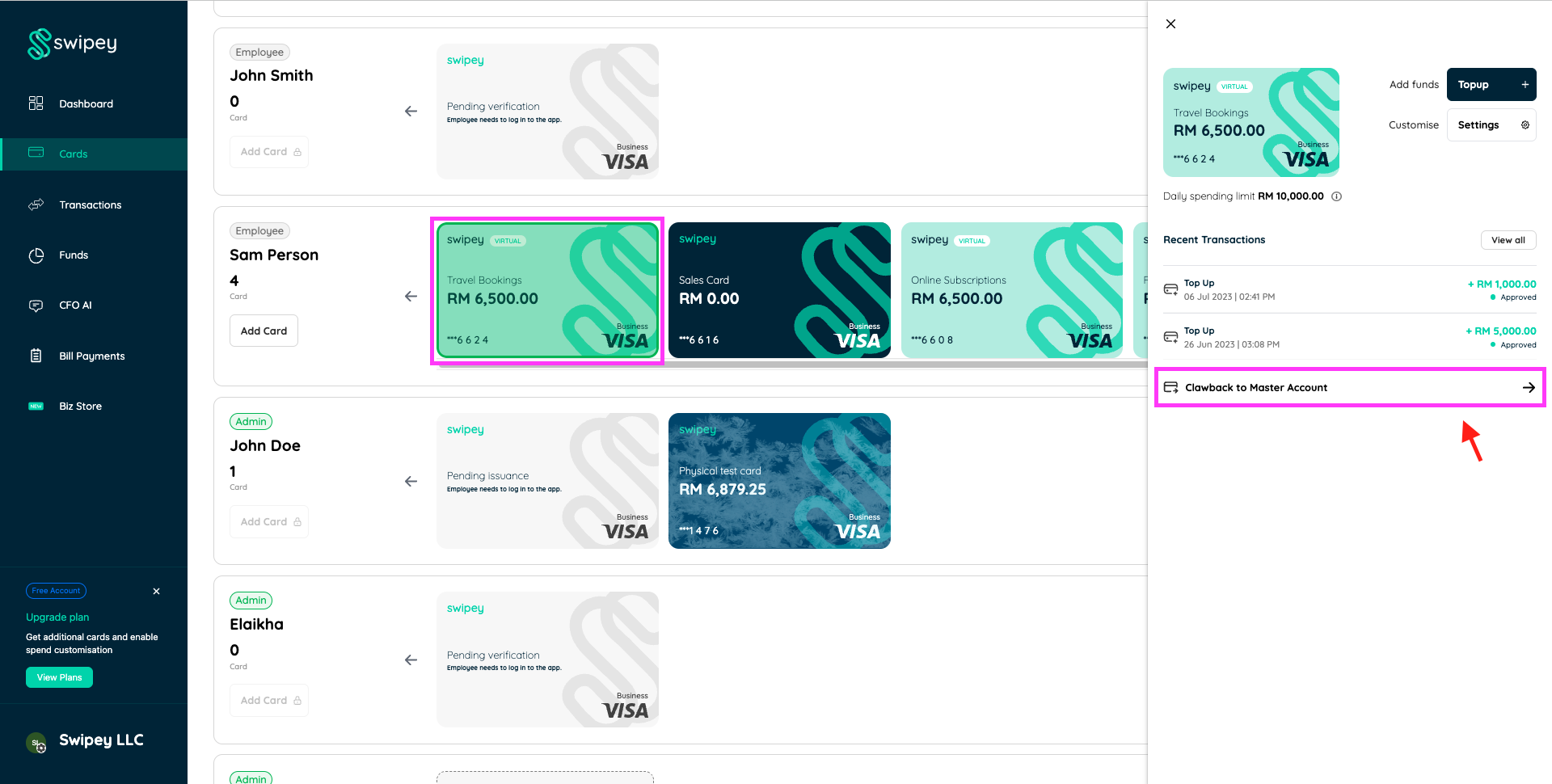
Click on the chosen card and click on Clawback to Master Account on the right navigation bar
3
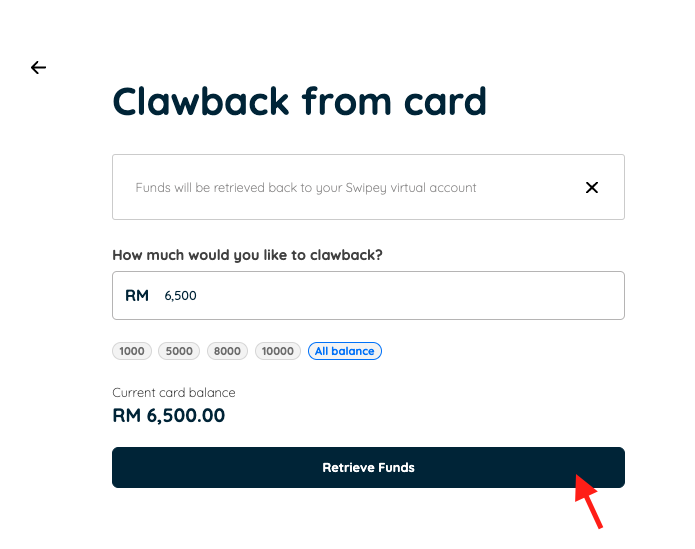
Clawback page will appear. Enter the desired amount and click on Retrieve Funds
4
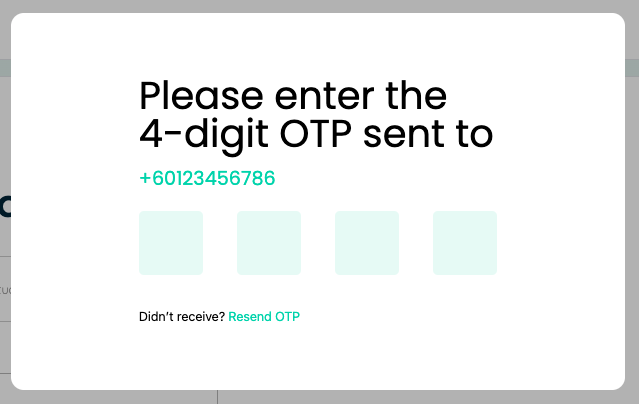
Enter your OTP to verify the request
5
And all done! 😊 Your card balance has been deducted and added back to the company master account! You may also verify this by checking your Funds History under Funds tab.