


Your Books Done Automatically

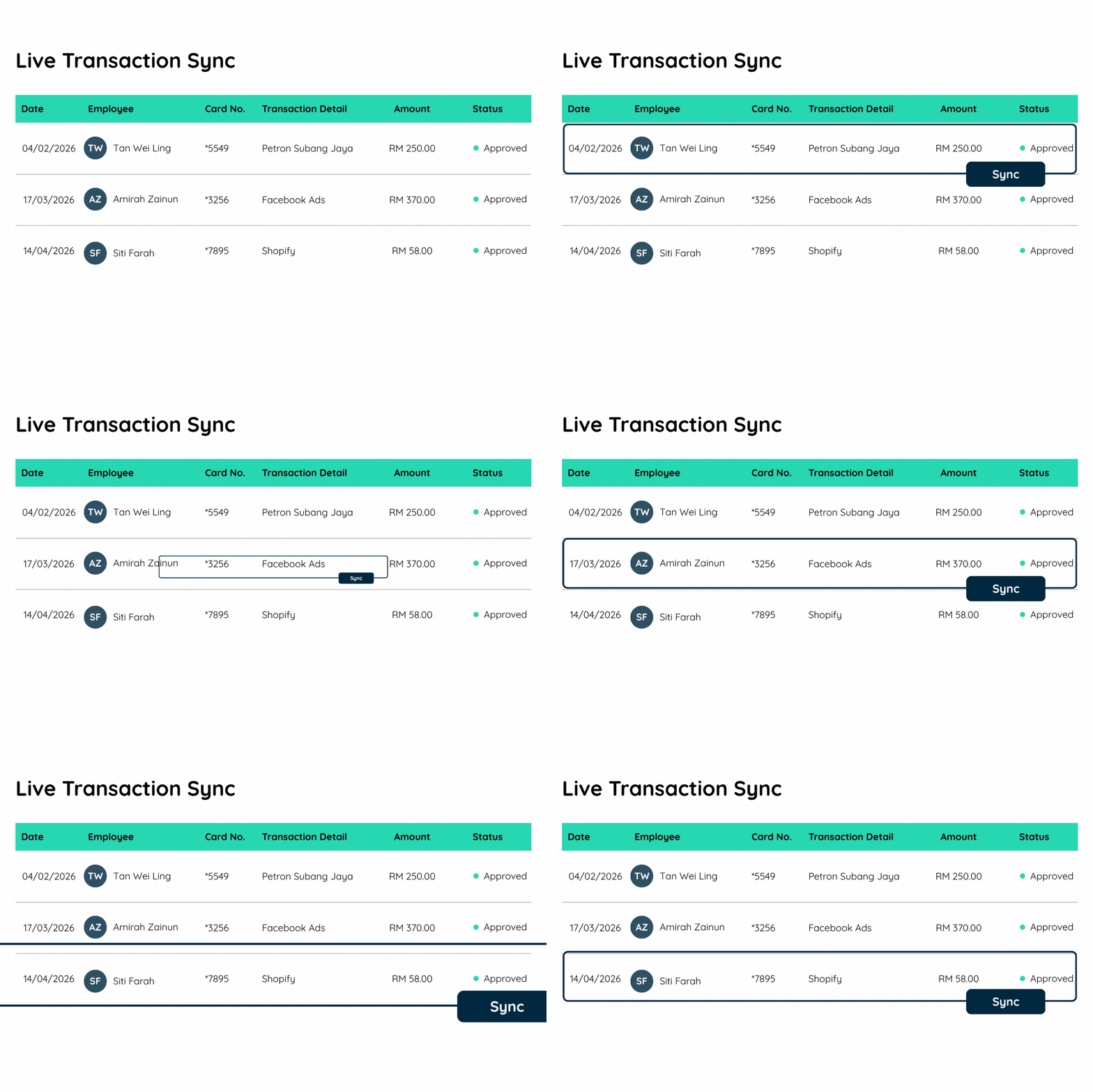
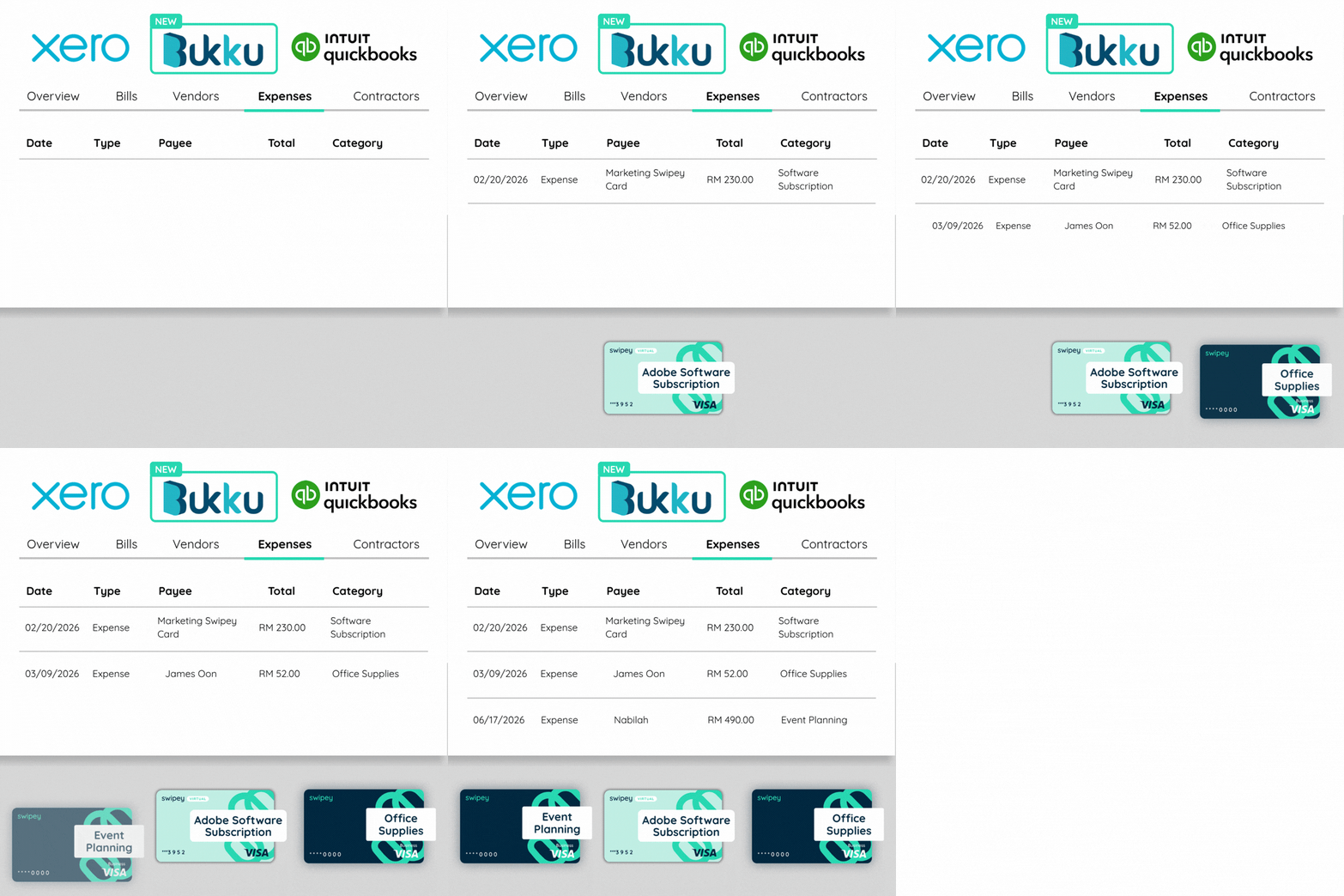
Swipey connects directly with your accounting software. Every transaction syncs in real time.

QuickBooks
Xero
New
Bukku

Trusted by 4,000+ Malaysian businesses

Regulations help keep your money safe, with BNM-approved partners including PayNet, Visa & Fasspay.

Your books, done automatically.

Swipey connects directly with your accounting software. Every transaction syncs in real time β€” no manual entry, no spreadsheet exports, no chasing receipts.

QuickBooks

Sync all your Swipey transactions to QuickBooks automatically. Keep your books current without lifting a finger.

  • Real-time transaction sync
  • Receipts attached to each transaction
  • Category mapping to your chart of accounts
  • Works across all cards and users
Xero

Connect Swipey to Xero and watch your expenses flow in automatically β€” organized, categorized, and ready to review.

  • Real-time transaction sync
  • Receipts attached to each transaction
  • Category mapping to your chart of accounts
  • Works across all cards and users
Bukku

Built specifically for Malaysian businesses. Connect Swipey to Bukku and sync every transaction automatically β€” designed around how local companies actually run.

  • Real-time transaction sync
  • Receipts attached to each transaction
  • Built for FPX and local payment rails
  • LHDN e-invoice-ready

New to Swipey? Register here.

Stop doing your books manually.

The old way costs you hours every month. The Swipey way costs you nothing extra.

Before Swipey

The manual way

  • βœ• Download transactions from bank
  • βœ• Match receipts one by one
  • βœ• Manually key in to accounting software
  • βœ• Reconcile at month end β€” for hours
  • βœ• Chase employees for missing receipts
β†’
With Swipey

The automatic way

  • βœ“ Every transaction syncs to your software in real time
  • βœ“ Receipts attached at point of spend
  • βœ“ Books are always up to date
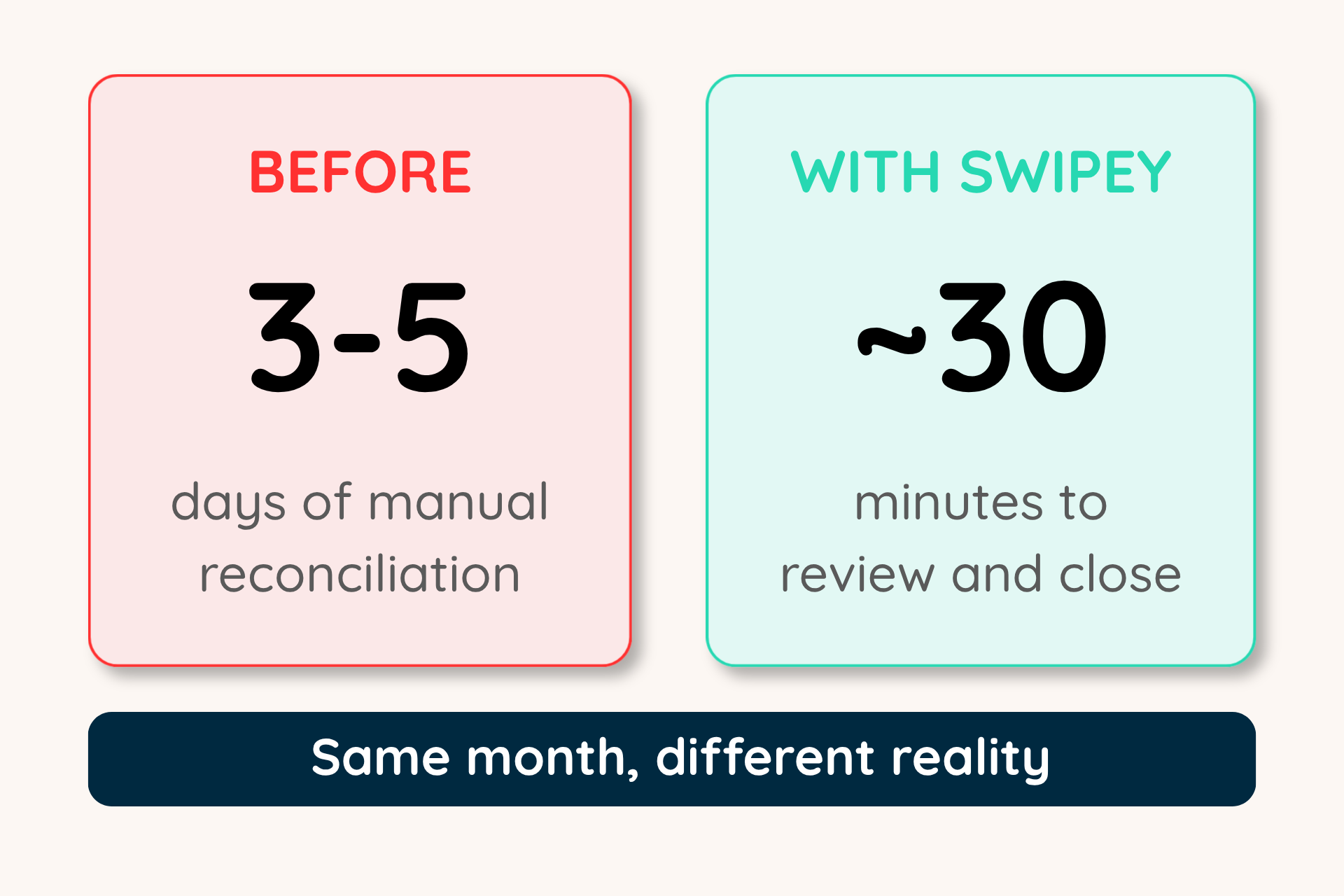
  • βœ“ Month-end closing in minutes, not days
  • βœ“ Zero manual entry required

Set it up once. Never touch it again.

One integration. Your entire Swipey spending life β€” automatically in your accounting software.

Real-Time Sync

Every transaction. In your software. Automatically.

The moment a Swipey card is used, the transaction appears in QuickBooks or Xero. No delays, no exports, no manual entry. Your books are always current β€” not two weeks behind.

  • Transactions sync in real time
  • Automatically categorized by merchant and card
  • Works across all your Swipey cards and users
Real-Time Sync
Receipt Management

Receipts follow the transaction β€” everywhere.

Employees snap receipts in the Swipey mobile app at the moment of purchase. Those receipts are attached to the transaction and flow directly into your accounting software alongside it.

  • Employees attach receipts in-app immediately after spending
  • Receipts sync with their matching transaction
  • Never ask an employee for a receipt again
Receipt Management
Month-End Closing

Close your books 12x faster.

When every transaction is already in your accounting software with its receipt attached, month-end isn't a project anymore. Review, approve, done. What used to take days now takes minutes.

  • Books always current β€” no backlog to clear
  • No reconciliation gaps between Swipey and your software
  • Accountant-ready at any point in the month
Month-End Closing

Your books should not be a full-time job

Connect Swipey to your accounting software once and let it run on autopilot forever.

1
Register your Swipey account
Sign up and complete eKYB verification for your first company. Takes 3-5 minutes.
2
Connect your accounting software
In your Swipey dashboard, go to Accountings and connect your preferred software.
3
Spend and watch it sync
From here, every Swipey tansaction automatically appears in your accounting software in real time. Your books run themselves.

Frequently asked questions

Few more things you should know about Swipey.

Which accounting software does Swipey integrate with?

Bukku, Xero and QuickBooks Online, free on every plan. Every card transaction, receipt and bill payment lands in your books automatically, and Alfie AI maps each vendor to the account you'd normally pick. Your bookkeeper reviews a short list of flagged items instead of retyping statements, which is how teams close their books up to 12x faster.

Learn more β†’ Accounting integration

What does Alfie AI do on Swipey?

Alfie is the AI teammate inside Swipey that takes month-end admin off your plate, so your team stops chasing paperwork and your books close up to 12x faster:

  • No more chasing receipts: Alfie matches each receipt to its card transaction, even with messy merchant names or foreign currency
  • No more retyping into your books: Alfie maps every vendor to the right Bukku, Xero or QuickBooks account and syncs it
  • No more keying in bills: forward an invoice and Alfie fills in the vendor, amount and bank details
  • No more guessing what spend was for: Alfie categorises every transaction, and you can ask it questions like β€œhow much did we spend on ads last month?”

You only review what Alfie flags as unsure. Alfie also gets sharper the more your team uses it.

How are receipts collected and matched on Swipey?

Snap it, forward it or drop it in, and Alfie does the rest. Employees photograph receipts in the Swipey app, forward them by email or upload them on the dashboard. Alfie reads the merchant, amount, date and card, then attaches each receipt to the right transaction. Anything it's unsure about is marked for a quick check, so finance stops chasing people at month-end.

Book a demo