
Step 1: Open the Swipey Mobile App #
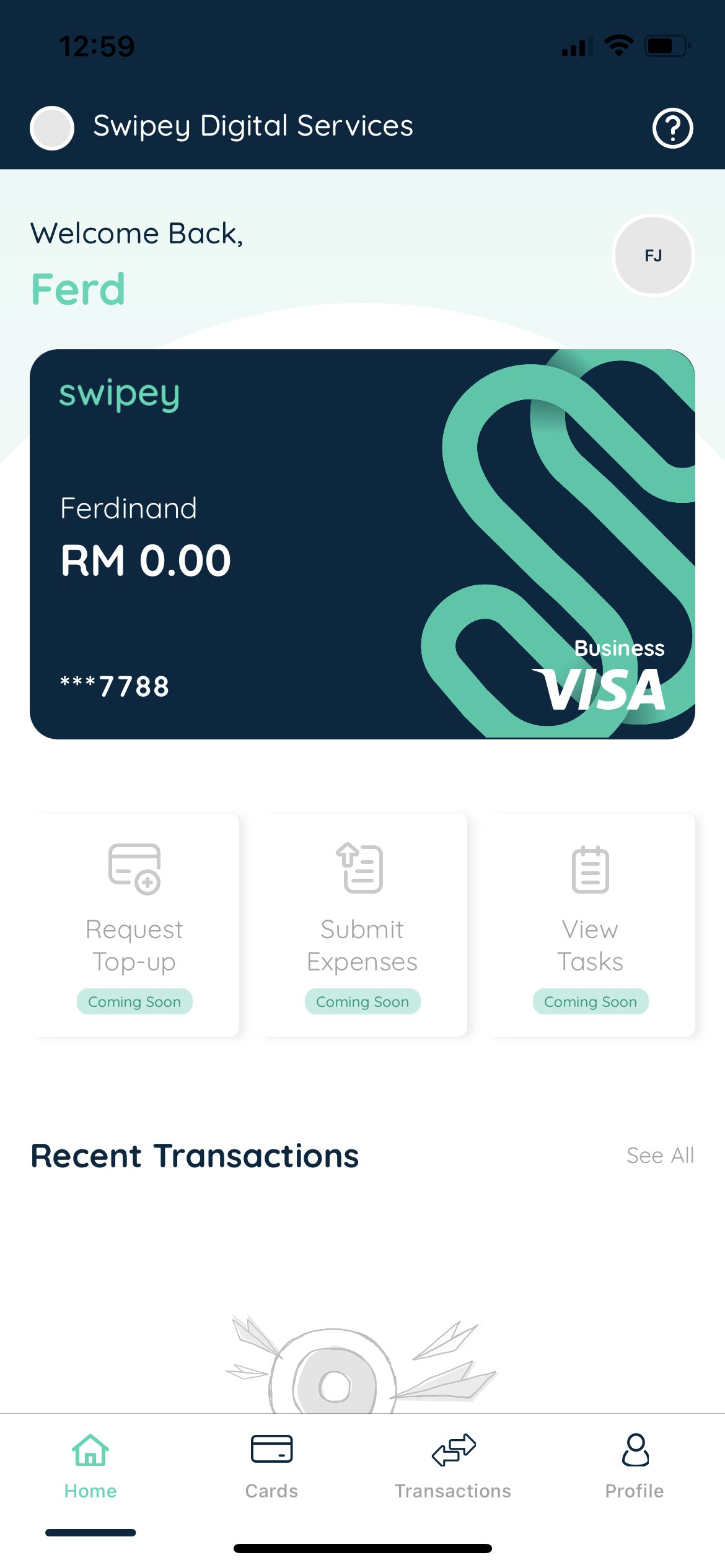
Open the Swipey Mobile App.
Step 2: Tap Reset Card PIN #
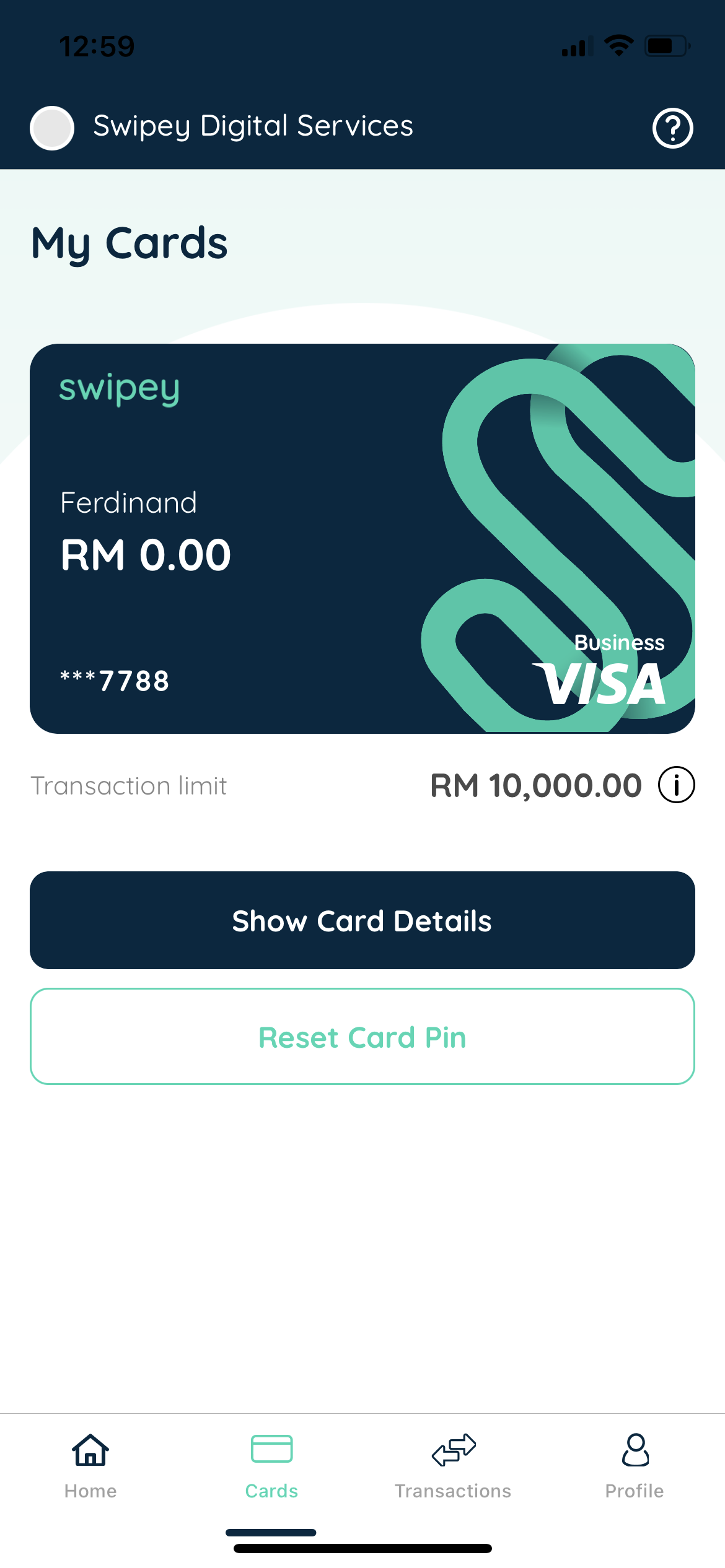
Tap on the Cards Tab and tap on Reset Card PIN.
Step 3: Enter Your OTP #
Key in your OTP after you have entered your 6-digit App PIN, Face ID, Fingerprint or Touch ID.

Step 4: Set Your New PIN #
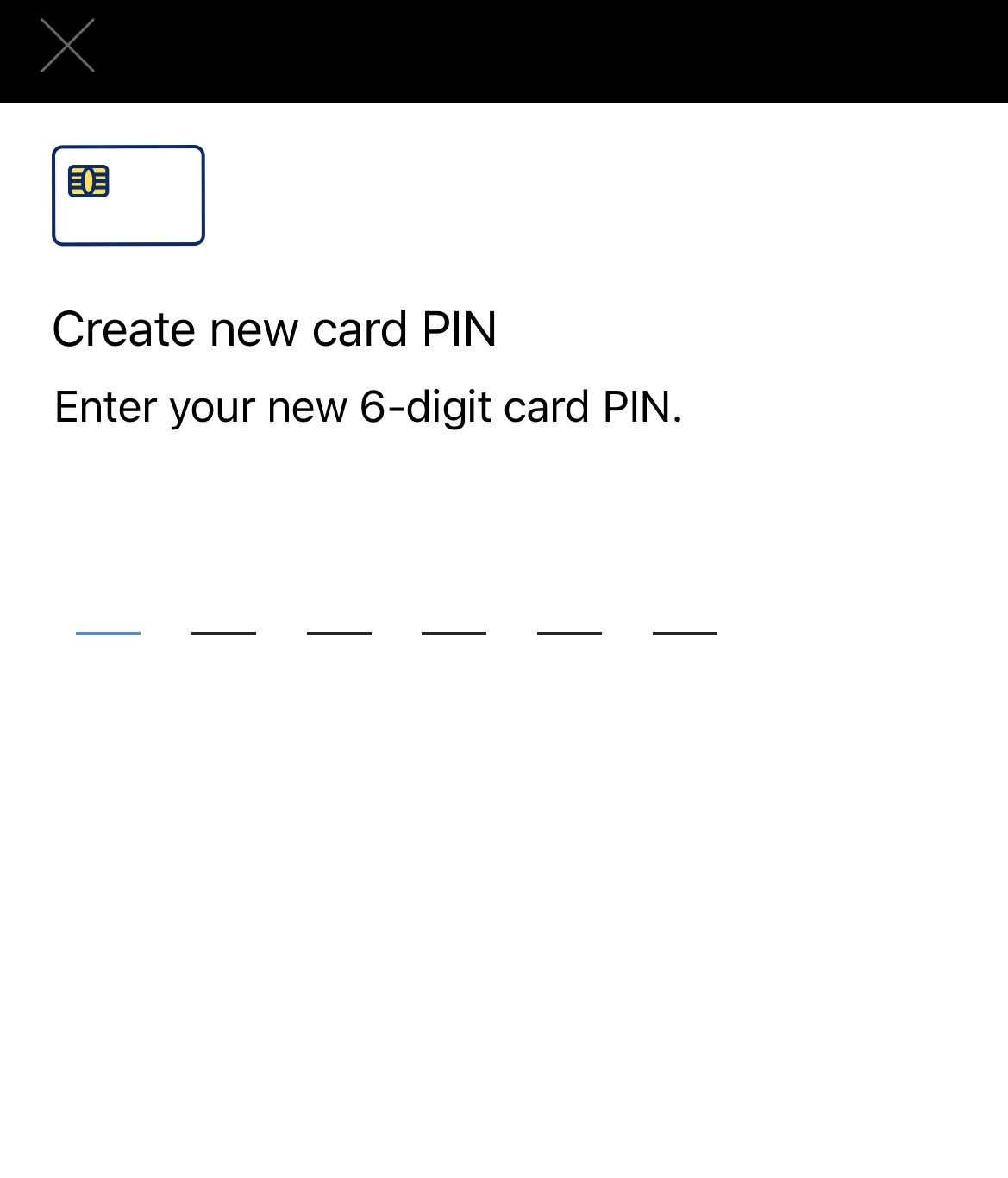
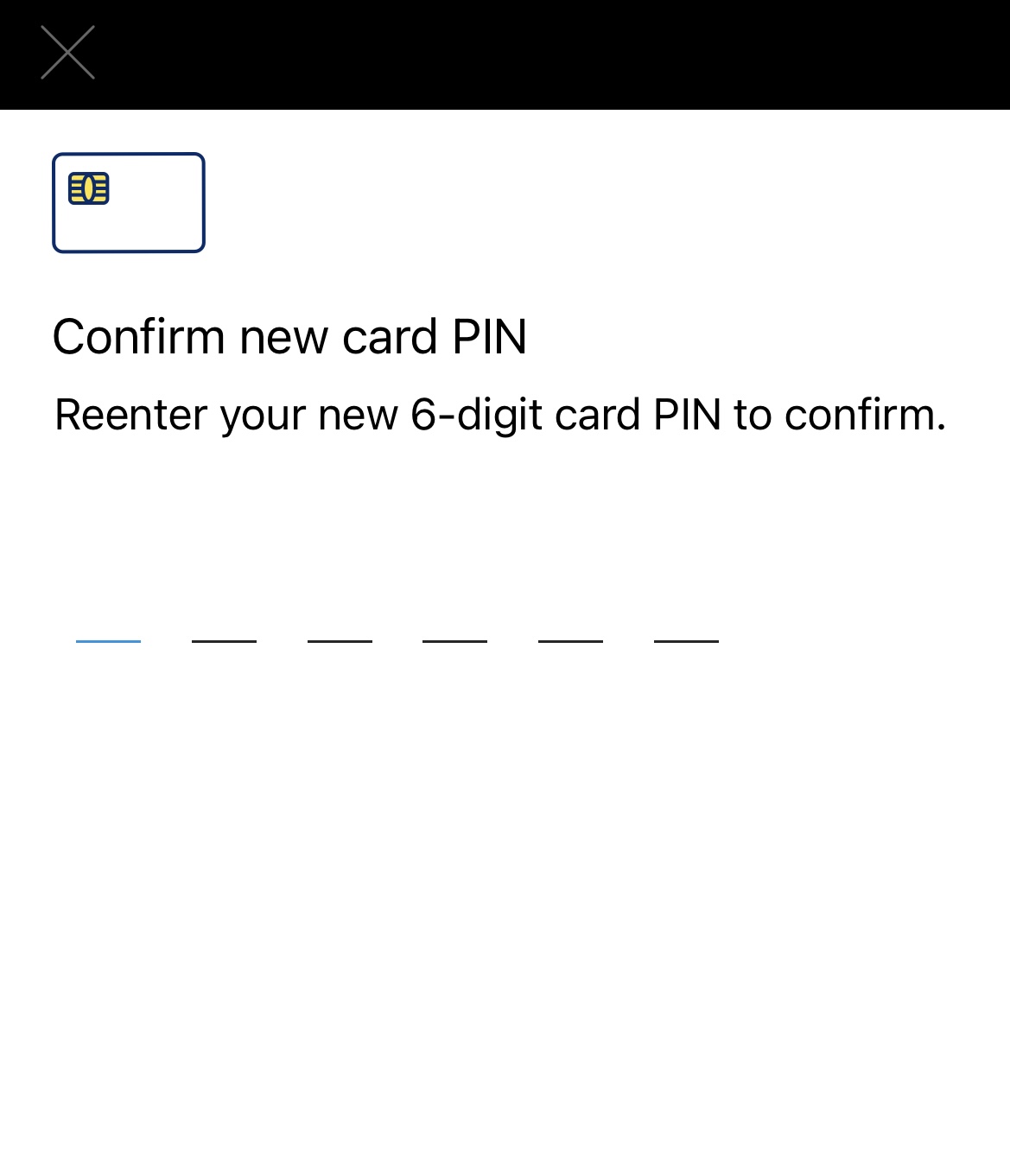
Enter your new Physical Card PIN and confirm.
Step 5: Success! 🎉 #