In short
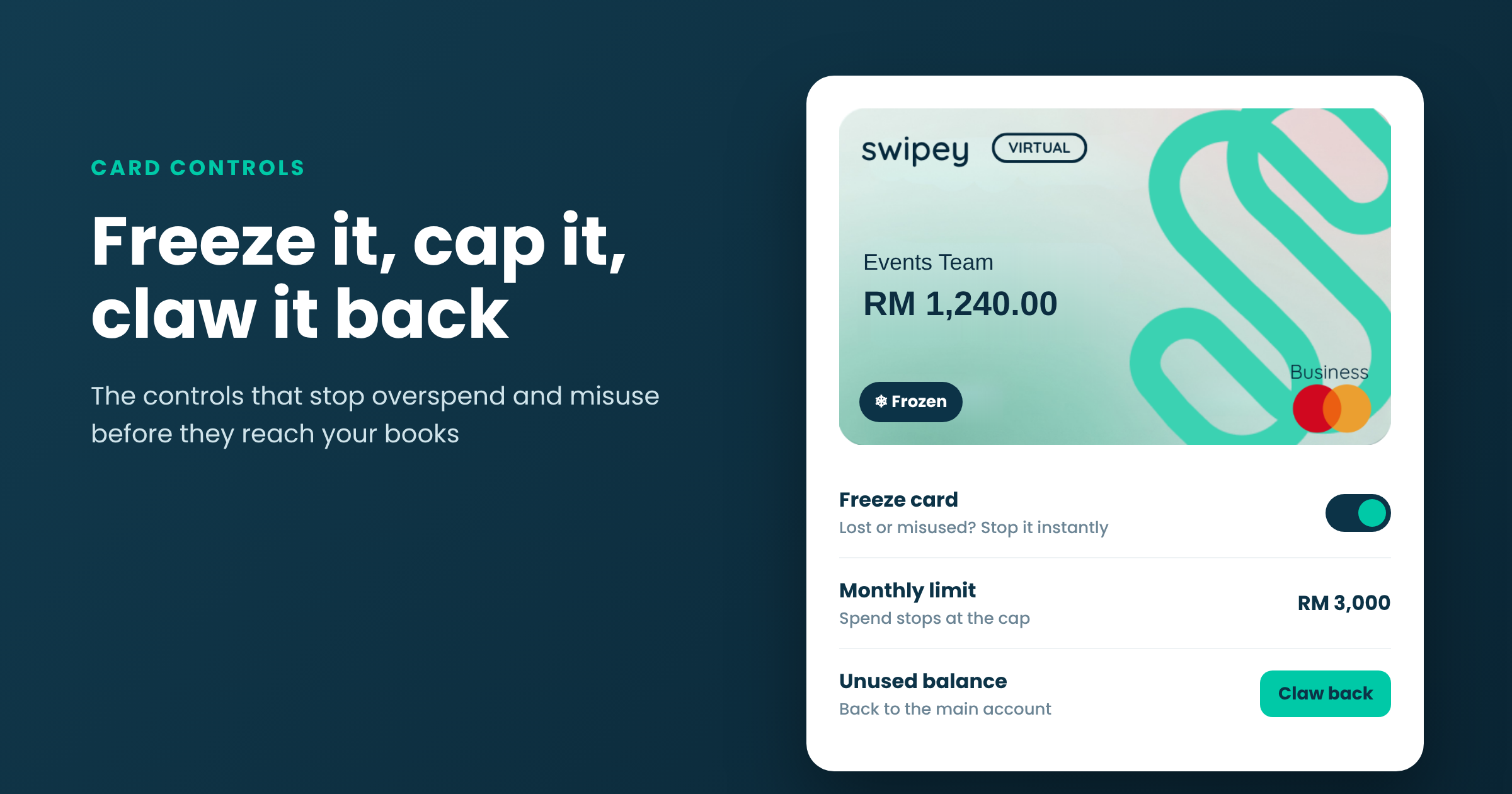
Corporate card controls let finance teams set a spending limit on every card, freeze a card instantly if it's lost or misused, and claw back unused balance to the main account. With Swipey, an admin manages all of it from the dashboard or the mobile app.
Giving staff the means to spend is the easy part. Making sure that money only goes where it should, and comes back when it isn't needed, is what separates a card programme from a shared card with extra steps.
Why card controls matter
Shared company cards and petty cash fail the same way: nobody can say who spent what until it's too late to stop it. When every employee, team or tool has its own card, controls turn your expense policy into something the card enforces at the moment of payment, instead of something finance argues about at month-end.
The controls at a glance
| Control |
What it does |
Use it when |
| Spending limit |
Caps what a card can spend |
Always: every card should have one |
| Freeze |
Stops all spending on a card until it's unfrozen |
A card is lost, compromised or no longer needed |
| Clawback |
Moves unused balance back to the main account |
A trip, campaign or project is done |
| Merchant controls |
Turns spending at certain types of merchant on or off |
A card should only be used for one kind of purchase |
Spending limits
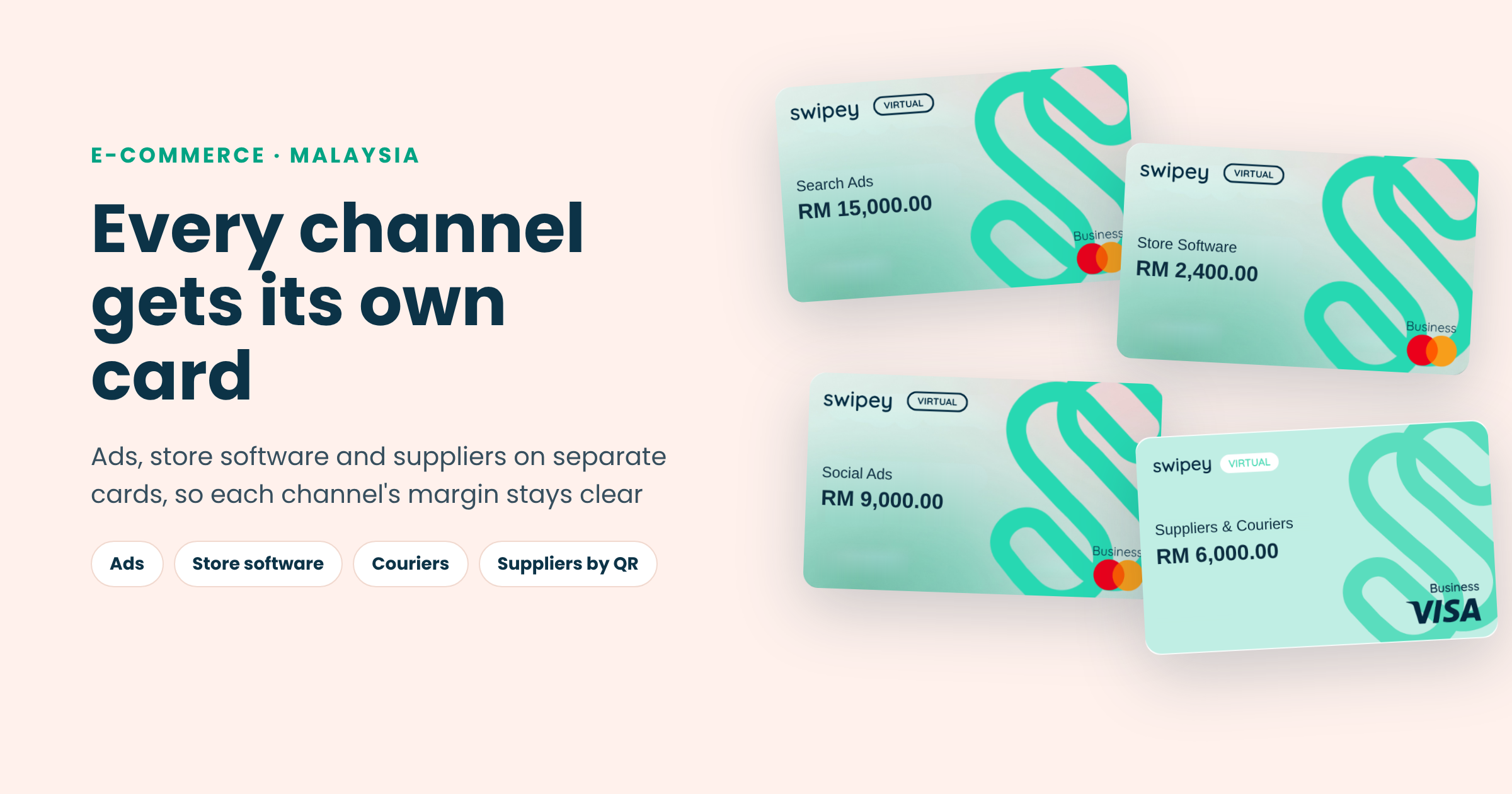
A limit is the simplest control and the one that does the most work. Match it to the job: a little above the plan price for a software card, the trip budget for a Travel Card, the monthly allowance for a staff member's Virtual Card - QR Enabled. Spend stops at the cap, so a budget can't be overshot without someone deciding to raise it.
Merchant controls
Merchant controls let an admin choose which types of merchant a card can be used at. A fuel card that only works at petrol stations, or a meals card that can't be used for anything else, means the card itself enforces your policy.
Freeze a card
Freezing locks a card, along with the funds on it, until it's unfrozen. Do it from the dashboard or the mobile app the moment something looks wrong. There's no waiting on a bank hotline.
- A physical Travel Card is lost on a trip
- A card number may have leaked
- An employee leaves or changes role
- You cancel a subscription and want to be sure the next charge can't go through
Claw back unused balance
Money left on a card stays on that card until an admin moves it. Clawback brings the unused balance back to the main account once transactions have completed, ready to be given to whichever card needs it next.
Example
A campaign card was given RM5,000 and the campaign wrapped up at RM3,760. Once the last charges settle, the admin claws back the RM1,240 and moves it to the card that pays for the team's software renewals.
Card controls checklist
✓ One card per person, team or tool, never a shared card
✓ A limit on every card that matches its budget
✓ Cards frozen as part of offboarding
✓ Unused balance clawed back when a project or trip ends
✓ A monthly look at limits that are always maxed or never used
New to giving every job its own card? Start with virtual cards for business, or see how controls compare with a bank card in corporate card vs business credit card.
FAQ
What happens to unused balance on a card?
It stays on the card until an admin moves it. Once transactions have completed, the admin can claw the balance back to the main account and reassign it.
How quickly can I freeze a card?
Instantly, from the Swipey dashboard or mobile app. The card stops working until it's unfrozen.
Can I restrict where a card is used?
Yes. Merchant controls let an admin turn spending at certain types of merchant on or off for each card.
Should every card have a limit?
Yes. A limit matched to the card's job is the simplest way to stop overspend before it happens.
Give your team cards you can control
A card per person or tool, a limit on each, and freeze or claw back in one tap. Trusted by 4,000+ Malaysian businesses.