In short
Malaysian businesses can streamline bill payments by sending every supplier invoice into one place, approving them in a single queue, and paying in bulk or on a schedule. That cuts manual transfers, prevents late fees, and keeps every payment linked to its invoice for the books.
Paying a bill looks simple: log in to the bank, key in the account, transfer. Do it fifty times a month across suppliers, rent, utilities and overseas vendors, and it becomes one of the most error-prone jobs in the business.
The hidden cost of paying bills the old way
| |
The old way |
With Swipey |
| Receiving bills |
Scattered across inboxes, WhatsApp and paper |
Forwarded to one Bill Inbox |
| Entering details |
Vendor, amount and bank details typed by hand |
Read automatically by Alfie |
| Approving |
Chased by message, with no record |
Reviewed by authorised people in one queue |
| Paying |
One transfer at a time, remembered by someone |
One bill or a whole batch, paid on the scheduled date |
| Record-keeping |
Payment and invoice filed separately |
Every payment stays linked to its bill |
The costs add up quietly: late fees when a due date slips, duplicate payments when two people pay the same invoice, and hours of finance time spent on transfers instead of analysis.
How to pay bills with Swipey in 4 steps
1
Forward the bill
Email supplier invoices and bills to your Swipey Bill Inbox, or add them in the dashboard: magic scan a single bill or upload a whole batch at once.
2
Let Alfie fill in the details
Alfie reads the bill and fills in the vendor, amount and bank details, ready for review.
3
Review and approve in one queue
Authorised reviewers check each bill and approve it, or reject it if something's wrong. With maker/checker, one person prepares a payment batch and another releases it, and every decision is recorded against the payment.
4
Pay now or on the due date
Pay straight away, or pick a date and approved bills are paid out automatically, one at a time or as a batch. Swipey emails the vendor their receipt, and the payment syncs to your books.
Scheduled, bulk and overseas payments
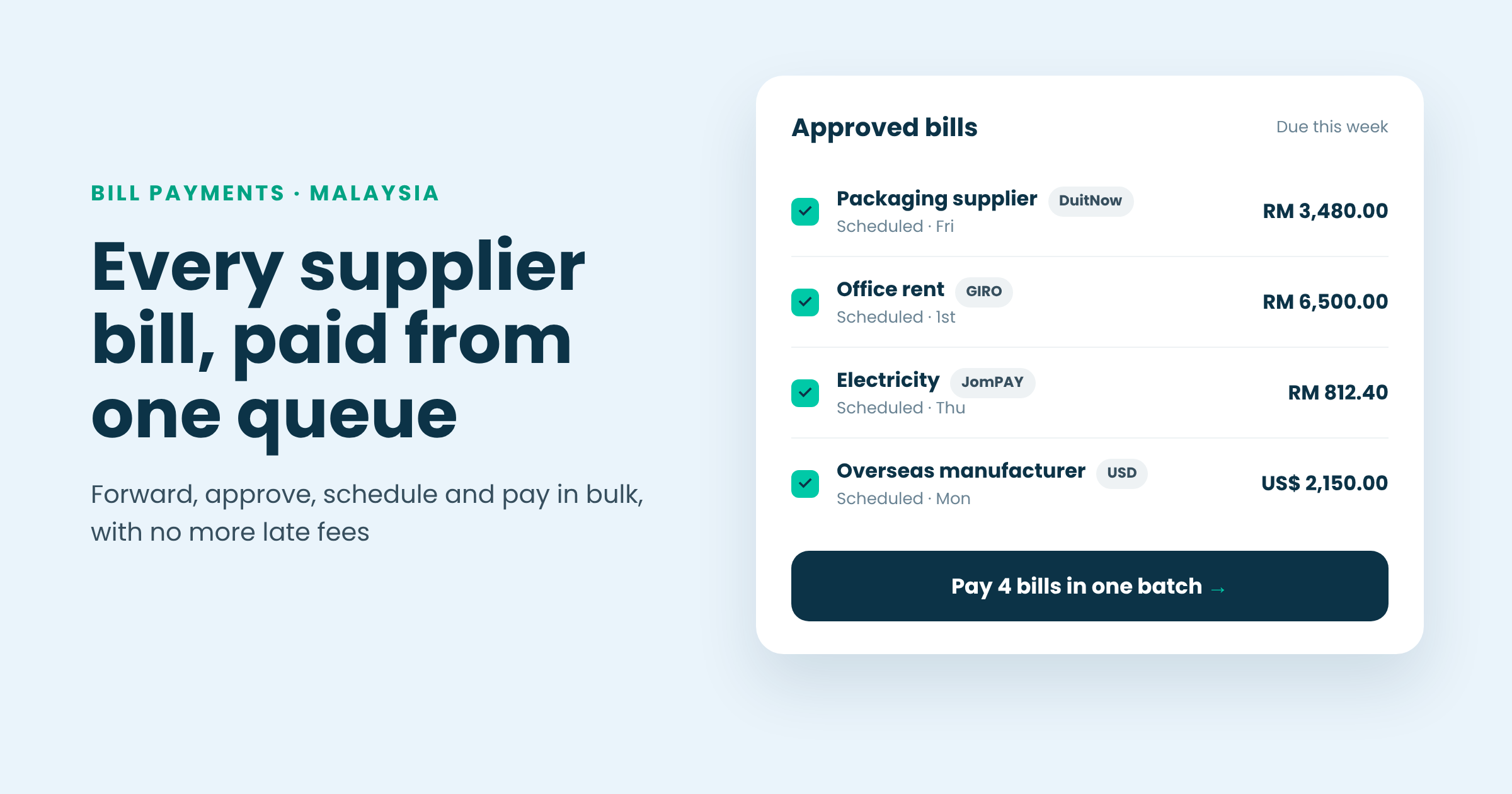
Pay in bulk
Pay one bill or a whole batch by DuitNow, GIRO or JomPAY.
Never miss a due date
Schedule each bill for its due date and it pays itself once approved.
Pay overseas suppliers
Pay suppliers in 100+ countries, including in USD, SGD, CNY, IDR and PHP.
Customer example
An oil and gas company that pays international suppliers every month moved its bill payments to Swipey and cut more than RM12,000 a year in banking fees.
Bills, cards and books in one place
Bill payments sit alongside Swipey's cards for ads, SaaS and DuitNow QR spend, so every ringgit leaving the business is in one dashboard. It all syncs to Bukku, Xero or QuickBooks, which is how teams on Swipey close their books 12x faster. More in how to simplify accounting and why your accounting software and spend management should talk.
FAQ
How do I pay multiple suppliers at once?
Approve the bills in Swipey and pay them as one batch by DuitNow, GIRO or JomPAY, instead of keying in each transfer separately.
Can I schedule supplier payments?
Yes. Set a payment date for each bill and, once approved, it's paid out automatically on that date.
Can I pay overseas suppliers?
Yes. Swipey pays suppliers in 100+ countries, including in USD, SGD, CNY, IDR and PHP.
Is there a fee for bill payments?
Current bill payment fees, including for overseas bills, are listed on Swipey's bill payments page.
Pay all your bills from one place
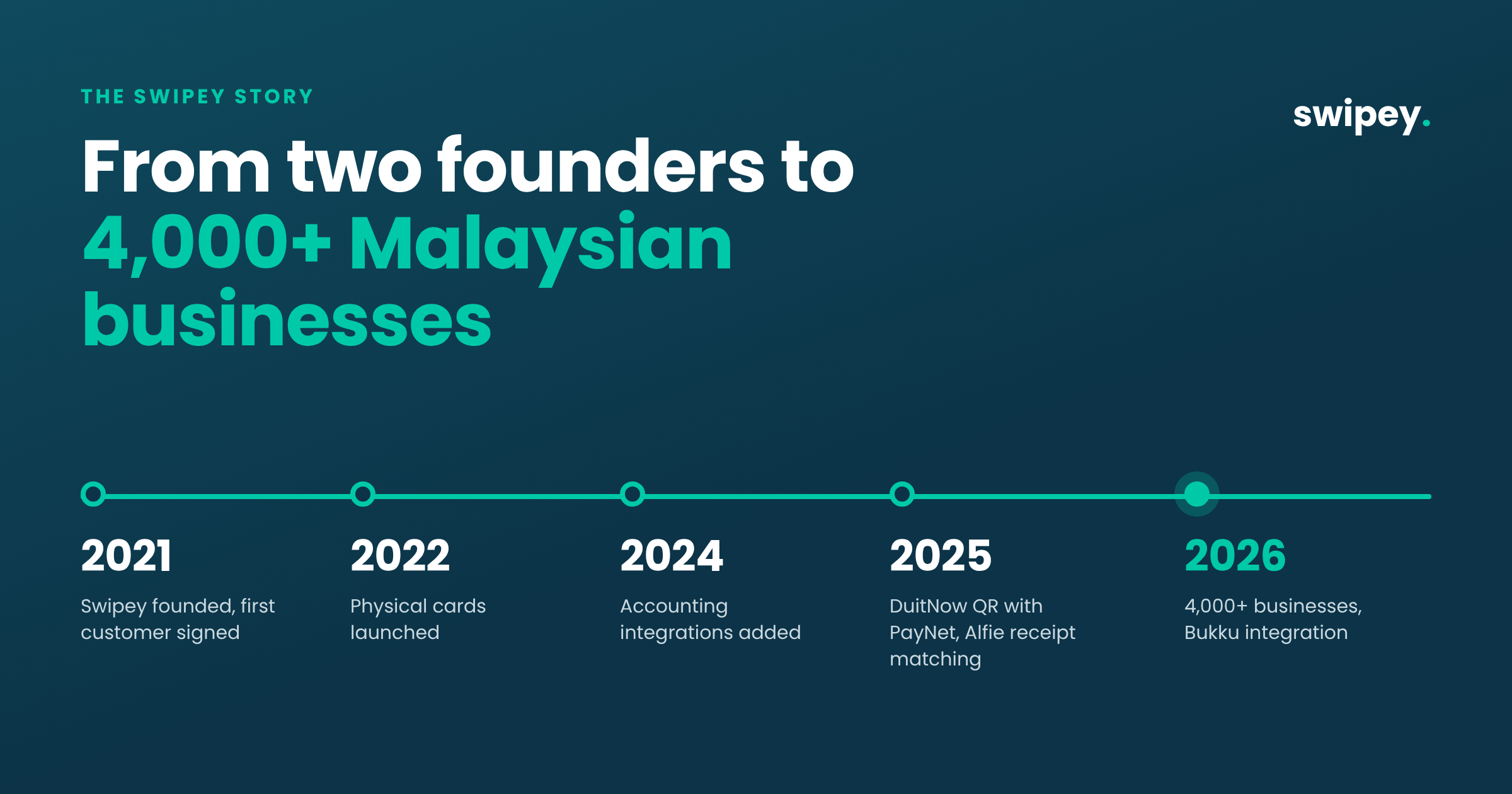
Forward, approve, schedule and pay in bulk, with every payment linked to its bill and synced to your books. Trusted by 4,000+ Malaysian businesses.