Expense Management
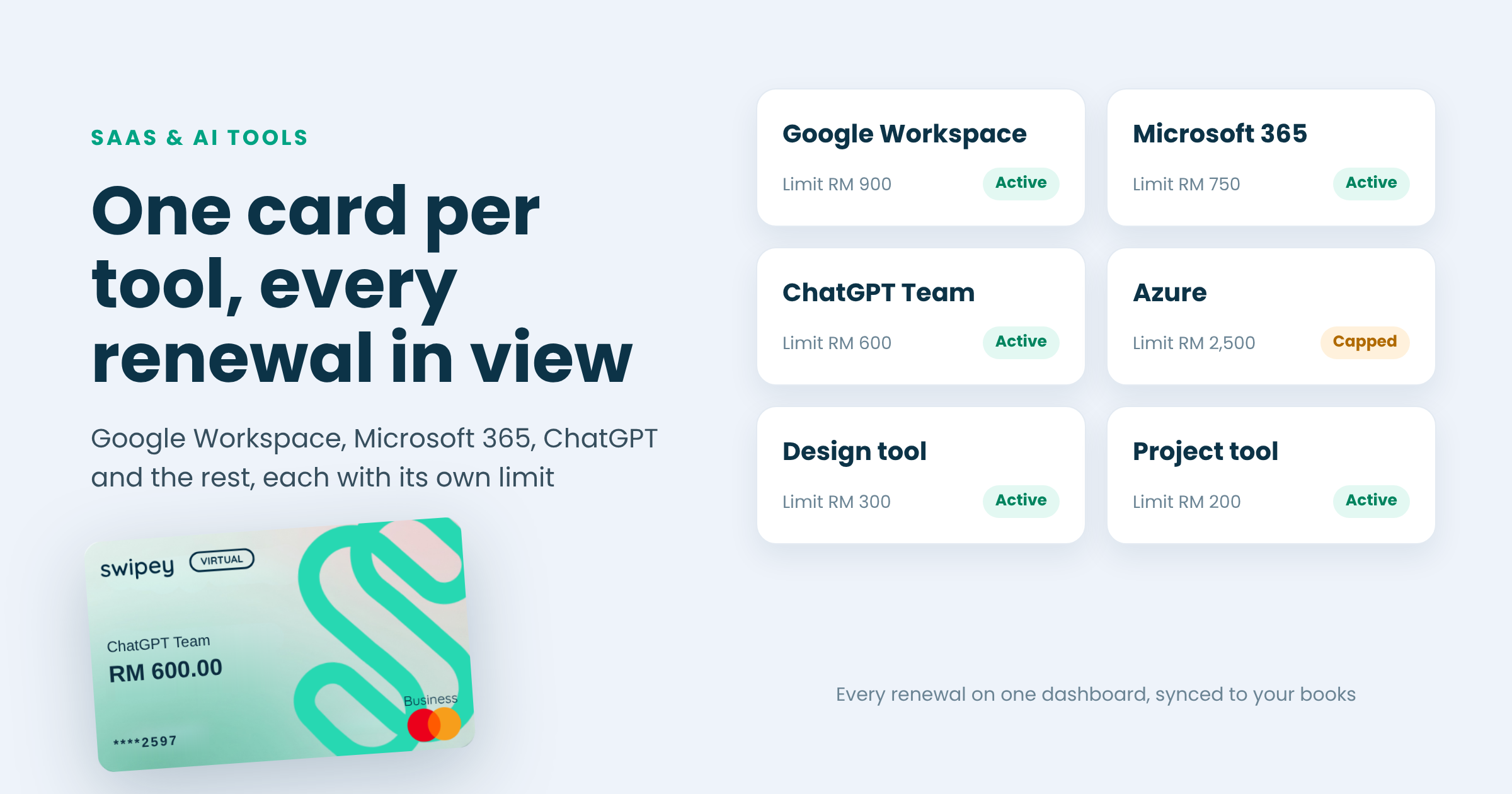

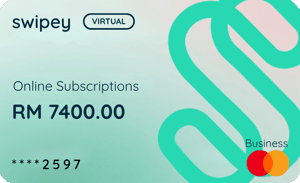
The cleanest way to pay for SaaS and AI tools is one company card per tool, each with a monthly limit slightly above the plan price. Renewals stop landing on personal cards, a leaked number or price rise stays on one card, you can stop paying for a tool by freezing its card, and every charge syncs to your books with the receipt.
Software renewals have a habit of failing at the worst possible time. A workspace locked the morning of a pitch. An AI tool that stopped because it was renewing on someone's personal card, and that person just left. Meanwhile nobody can say what the team is actually paying for each month.
Moving your subscriptions onto the Swipey Corporate Card fixes both problems, and it takes a couple of minutes per tool. Here's the whole idea:
New to Swipey? It's a corporate card and expense platform for Malaysian businesses, with every transaction tracked in one dashboard. See the cards →
Tools get signed up one at a time, by whoever needed them, on whatever card was handy. A year later, you have a dozen renewals across three personal cards and one shared company card, usage-based AI bills that climb every month, and a finance team chasing reimbursement claims for all of it. The fix isn't fewer tools. It's giving each one a home.
How a tool bills decides how you set its card. Most fall into one of three patterns.
| How it bills | Examples | How to set the card |
|---|---|---|
| Per seat, monthly | Google Workspace, Microsoft 365, ChatGPT Team, most design and project tools | Limit just above seats × price, plus tax. Raise it when you add seats |
| Annual plan | Yearly licences for design, CRM or security tools | Raise the limit before the renewal month, then drop it back so nothing else lands on that card |
| Usage-based | Azure, the OpenAI API, other cloud and API services | Set the ceiling you're willing to spend in a month, and review it when usage grows |
Eligible software, digital subscription and online business services spend on the Swipey Corporate Card earns up to 1.1% cashback, with no monthly cap per company. A team spending RM8,000 a month on eligible tools gets RM88 back each month, or RM1,056 a year, on spend it was making anyway.
Campaign runs 1 October 2026 to 30 June 2027. See the cashback terms for what counts.
Foreign software and digital service providers registered in Malaysia add service tax to what they bill Malaysian customers. The rate on these digital services rose from 6% to 8% from 1 March 2024.[1] Set each card's limit on the total including tax, or the tax line is what tips a renewal into a decline.
Not tax advice. Check your invoices and how your business should treat this tax with your accountant.
Not sure what else belongs on the card? Here are 5 things your Corporate Card can pay for →
Yes. The Swipey Corporate Card works on OpenAI, as well as Google, Microsoft and Azure. Give ChatGPT its own card with a limit just above your seat cost.
Usually, yes. Registered foreign digital service providers add Malaysian service tax, which has been 8% since 1 March 2024. Check your invoices, and ask your accountant how to treat it.
Sign up for the trial on its own card with a low limit. If you decide not to keep the tool, freeze the card before the trial ends and the first charge won't go through.
Yes. One card per tool means one price rise or leaked number affects one tool, each limit matches its bill, and cancelling is as simple as freezing a card. Swipey Corporate Cards are free and unlimited, so there's no cost to splitting them.
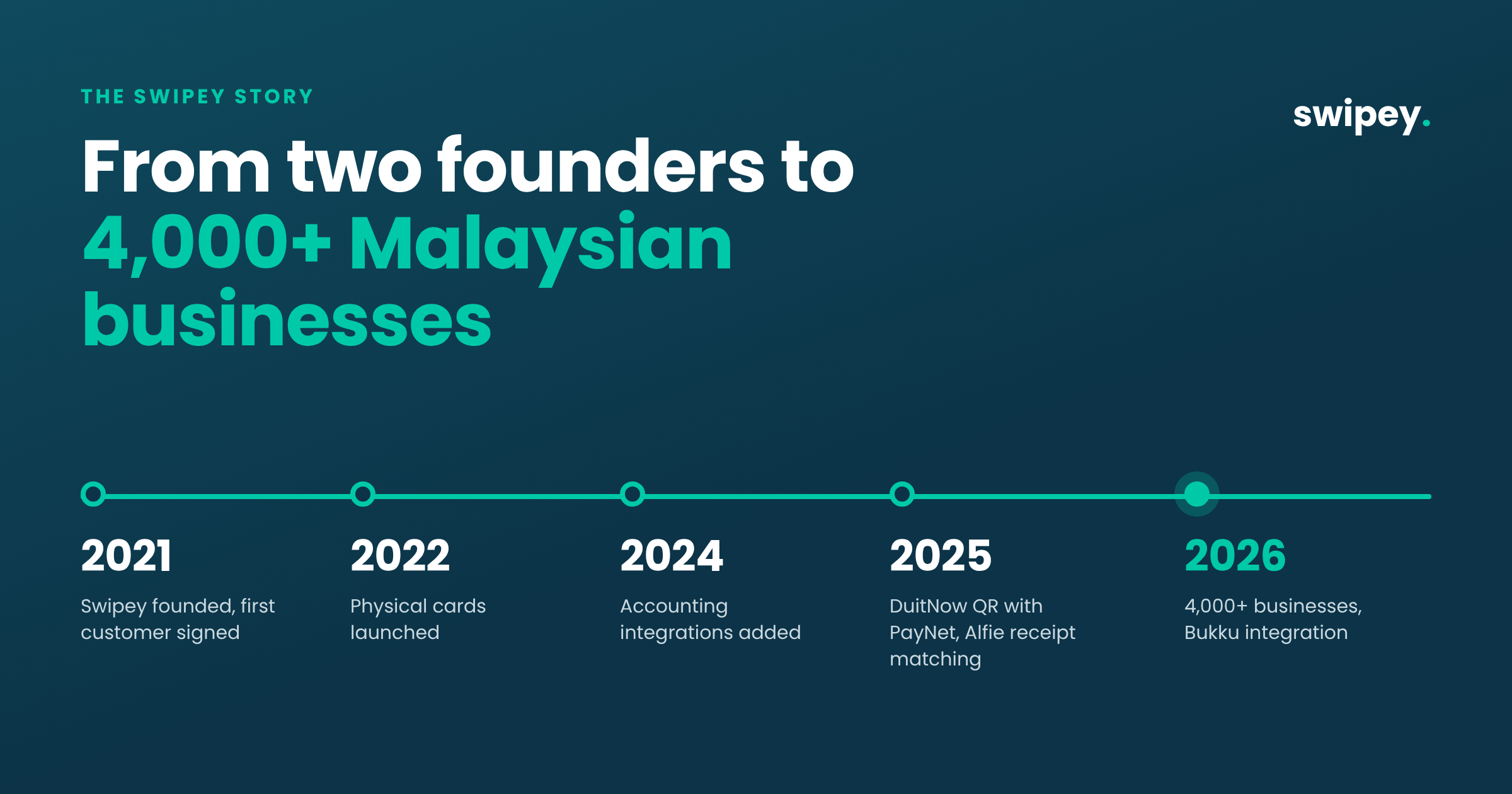
Every subscription on its own card, the whole stack in one dashboard, and spend synced to Bukku, Xero or QuickBooks. Trusted by 4,000+ Malaysian businesses.