Expense Management
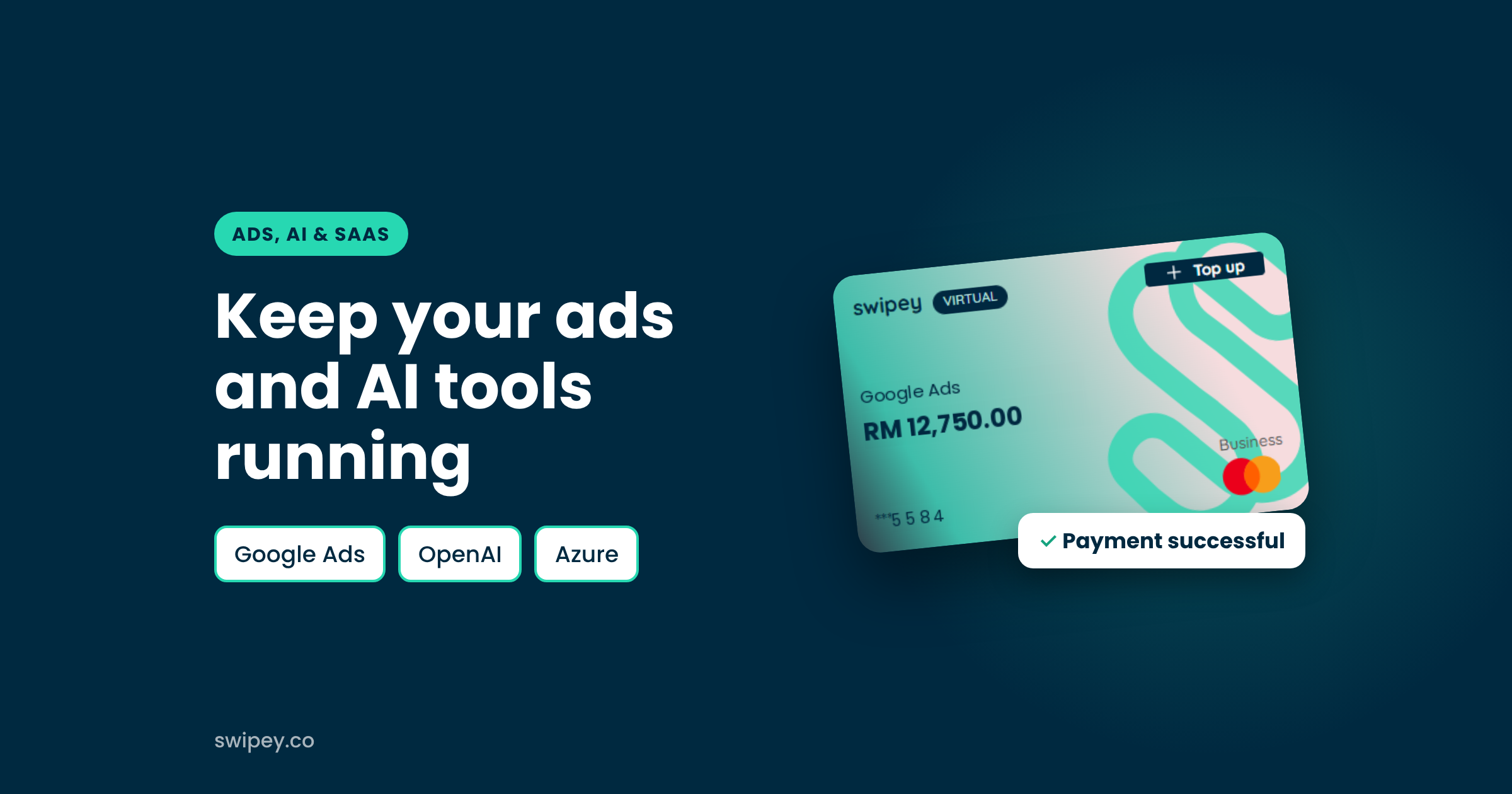

If your card keeps getting declined on Google Ads or OpenAI, the problem is usually the card, not the platform. Google says declines come from your bank or card issuer, and many local cards aren't set up for automatic, recurring charges from overseas platforms. Switching to a card built for this kind of spend, with online payments enabled and a limit that covers your billing threshold, fixes it.
Key takeaways
Google Ads and OpenAI bill you automatically: you spend first, and the platform charges your card when you hit a threshold or at the end of a cycle. That charge comes from an overseas platform, at a time you don't choose, so any card that isn't set up for it can fail.
The usual causes:
Google confirms that the bank or card issuer declines the payment, not Google, and that you need to contact the issuer to fix it (Google Ads Help).
| What you see | Likely cause | What to do |
|---|---|---|
| "Card declined" with no reason | The issuer blocked the charge | Ask your bank why, or switch to a card built for recurring overseas billing |
| Card can't be added as a payment method | Card type not supported, or verification failed | Complete the OTP/3D Secure check, or use a different card |
| "Insufficient funds" | Balance or limit lower than the charge | Top up or raise the card's limit above your billing threshold |
| Declined only on overseas platforms | Online or foreign transactions switched off | Turn on online and overseas payments in your banking app |
| Payment worked before, now fails | Expired card, new limit or flagged by fraud checks | Check the card's expiry and limits, then retry the payment |
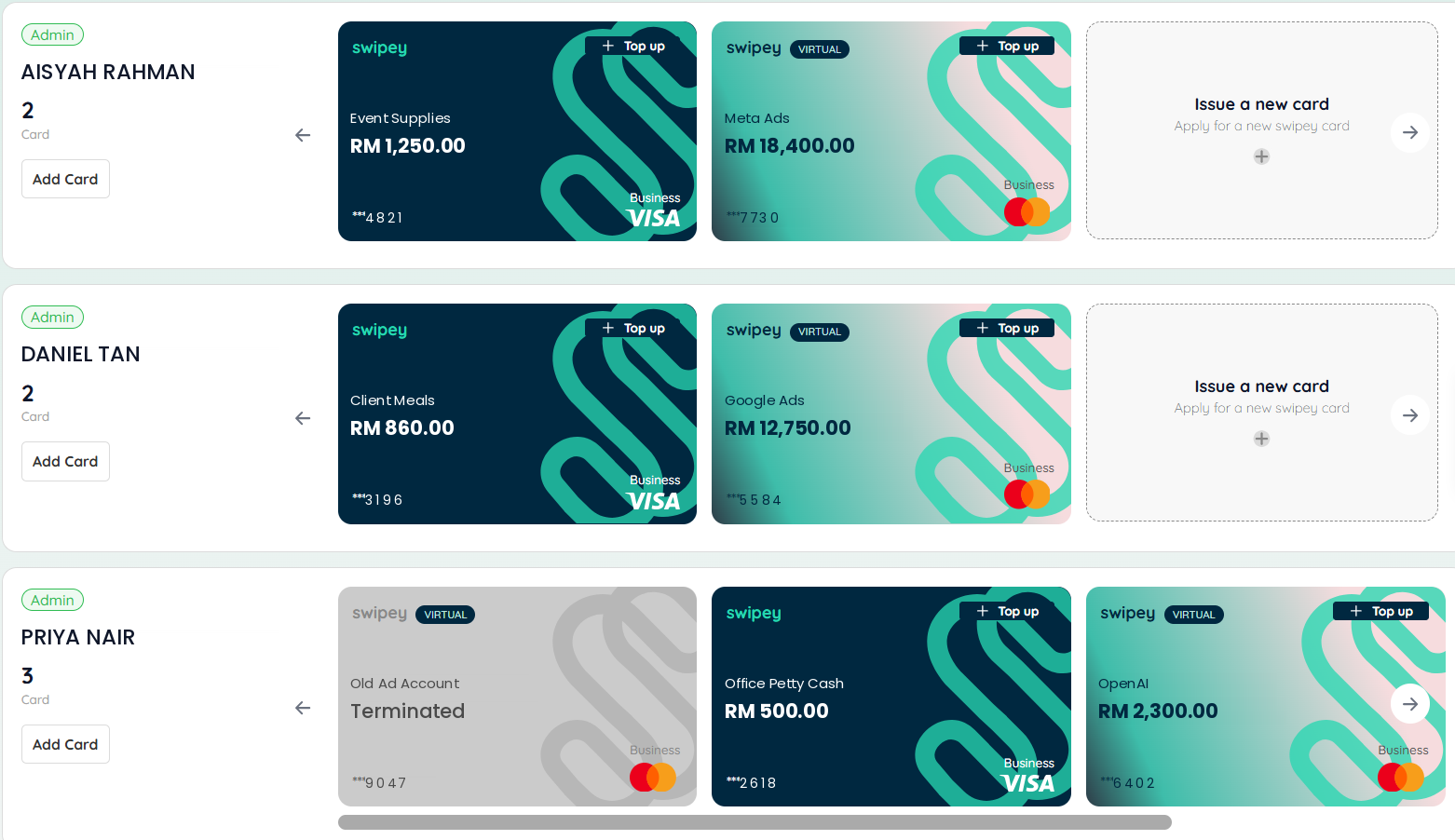
When every platform runs on one shared card, a single declined charge can stop your ads, your AI tools and your cloud bill at once, and you can't tell which one tipped it over. Give each platform its own card and its own limit instead. A decline then only affects that platform, you can see exactly what failed, and every charge stays matched to the right budget.
The Swipey Corporate Card is built for exactly this spend: digital ads, AI tools, software and cloud, paid from your company's balance.
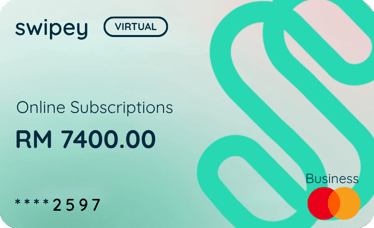
Swipey isn't a credit card and isn't for personal use. Any Malaysian-registered business can sign up, including sole proprietors, and cards and users are free. Regulations help keep your money safe, with BNM-approved partners including PayNet, Visa & Fasspay. See all fees.
Comparing options first? Read the best business and corporate cards in Malaysia. Once your ads are running, set up your other subscriptions on the same card so they never lapse.
Sometimes. Whether a card works depends on the issuer and on whether it supports recurring online charges from overseas platforms. If your card keeps being declined, contact the issuer or switch to a card built for this kind of spend.
Usually because the issuer blocks the charge: online or overseas payments are switched off, verification didn't complete, or there isn't enough balance or limit. Check those first, then try a card made for recurring payments to overseas platforms.
Your ads may keep running for a short time, but an unpaid balance will eventually pause them. Add a backup payment method so Google can charge it if your primary card is declined.
Yes. The Swipey Corporate Card runs on Mastercard and works on Google, Microsoft, OpenAI and Azure.
Yes. With Swipey you can issue a separate Corporate Card for each platform, tool or campaign, each with its own limit.
Keep your ads and AI tools running
A Corporate Card for Google, Microsoft, OpenAI and Azure, with a card and limit for every platform