.jpg?width=1200&height=630&name=Untitled%20design%20(3).jpg)

How to Pay Google Ads& Open AI from Malaysia Without a Card Decline
If you run a business in Malaysia, you have probably hit this: you try to pay for Google Ads or top up OpenAI, and your card gets declined. You try another card. Declined again. The campaign pauses, the tool stops working, and you are left wondering what is wrong with your card, when nothing is.
This is one of the most common headaches for Malaysian businesses paying global platforms, and it is very fixable. You just need the right kind of card.
Here is how to pay Google Ads, Open AI and the rest from Malaysia without the decline.
The Short Version of Why It Happens
These platforms bill you automatically, you spend first and they charge your card later. That model needs a card they can rely on to settle after the fact, so they block prepaid cards, which hold a fixed balance that might be empty by the time the charge lands. In practice they detect prepaid cards by their card number and reject them outright, and they also need a card that supports recurring billing, cross-border charges and 3D Secure verification, which many Malaysian prepaid and basic debit cards simply do not.
Want the full breakdown? Read why prepaid cards keep getting declined on Google, Microsoft and LinkedIn. Otherwise, here is the fix.
The Fix, Step by Step
The Platforms It Goes Through On
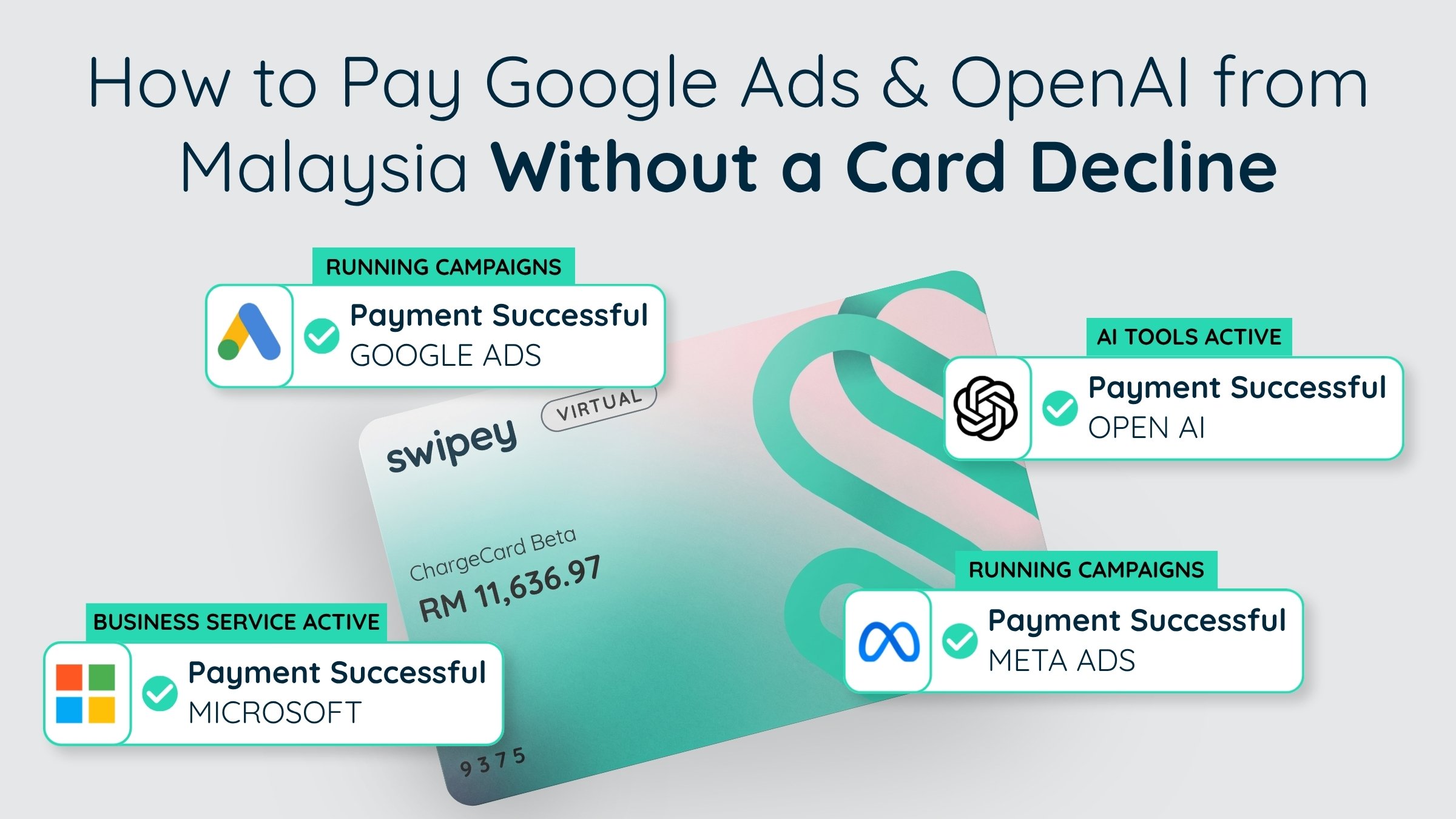
The same platforms that reject prepaid cards accept the Corporate Card.
✓ Google Ads & Google Cloud
✓ Open AI
✓ Microsoft & Azure
✓ LinkedIn
✓ Meta Ads
✓ And every other merchant
Why Malaysian Businesses Feel This More
A lot of the cards Malaysian businesses reach for first are prepaid or basic debit, exactly the type these global platforms reject for automatic billing. So local teams end up juggling personal credit cards, borrowing a director’s card, or watching campaigns stall.
A card built locally for global digital spend removes the problem. The Swipey Corporate Card goes through on these platforms, keeps your business spend separate from anyone’s personal card, and, for a limited time, earns 1% cashback on eligible digital spend.*
Once it is going through cleanly, put your other recurring tools on it too. Here is how to set up your subscriptions so they never lapse →
Pay Google, OpenAI and the rest, without the decline
Get a Corporate Card that goes through on the platforms you run on, built for Malaysian businesses.
*Limited-time offer. See full terms.