Foreign Spend & Tax
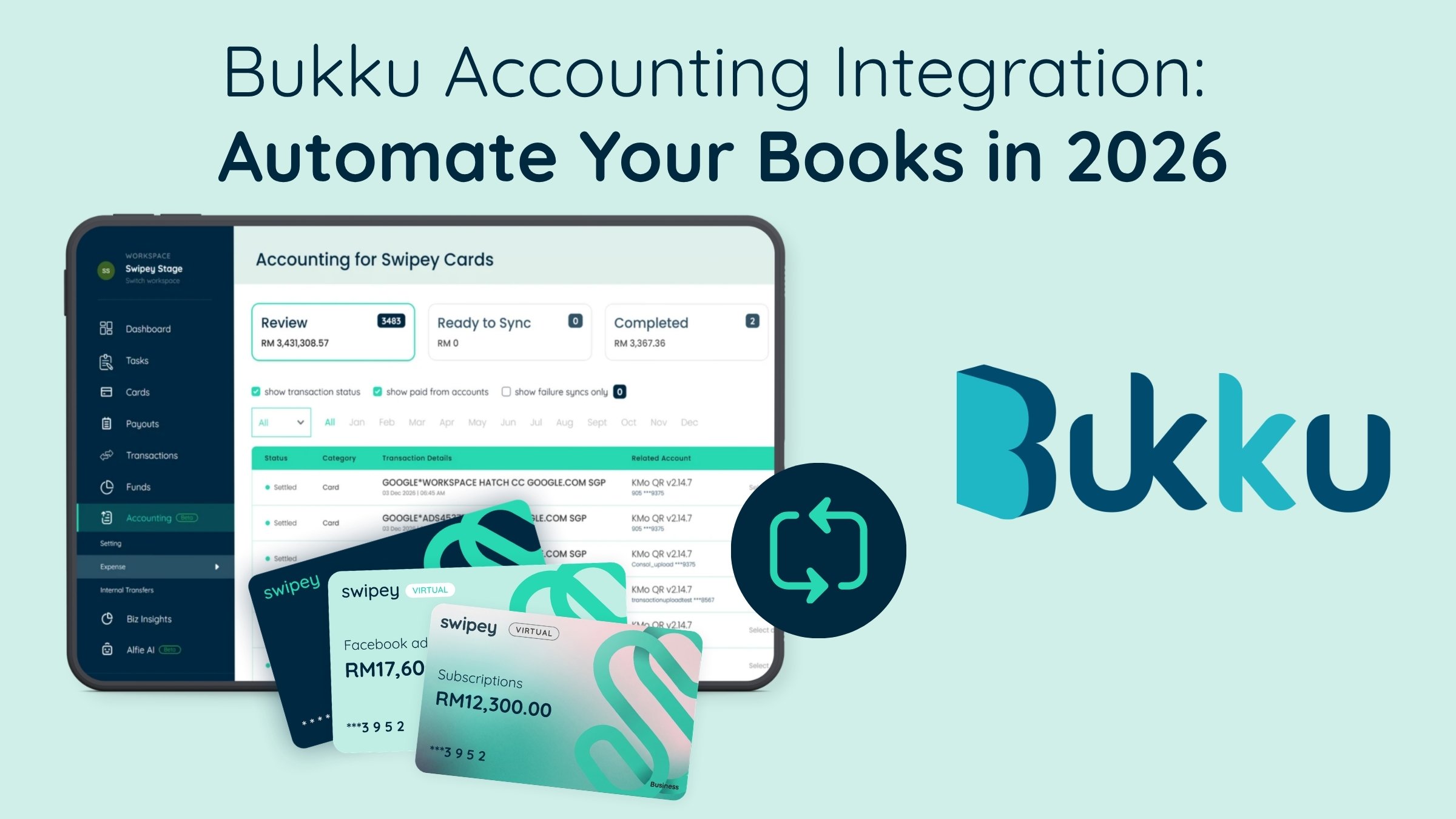

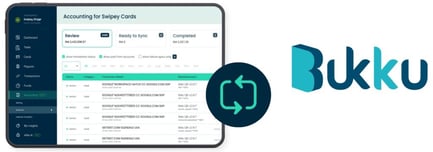
Swipey integrates with Bukku, so card spend and receipts sync into your Bukku books automatically. Finance stops re-keying transactions, closes the books up to 12x faster, and keeps clean records for e-invoicing and audits.
If you run a Malaysian business, there's a good chance your books already live in Bukku accounting. It's homegrown, e-invoice ready, and built for the way Malaysian businesses work. What Bukku doesn't do on its own is chase the receipt, remember which card paid, or stop spend from going outside budget.
That gap, between money leaving the business and money landing correctly in Bukku, is where most finance teams still lose their week. Here's what it costs, and how to close it.
Bukku is a cloud accounting platform built for Malaysian businesses: invoicing, bank reconciliation, inventory, SST reporting and fixed assets, without needing an accounting background. It supports LHDN e-invoicing, including on its free invoicing plan, and describes itself as an authorised Peppol service provider accredited by MDEC.[1]
That's why so many Malaysian businesses and their accounting firms use it as their system of record. But a system of record is only as good as what feeds it. Bukku can tell you what happened to your money once a transaction is entered. It doesn't stop spend going the wrong way, and it doesn't enter itself.
Walk through a typical month: an employee tops up Google Ads on a personal card, a subscription renews on the founder's card, a supplier gets paid by bank transfer, and a petrol receipt sits in someone's glove box until month-end. Every one of those has to be tracked down, categorised and keyed into Bukku by hand before your books are accurate.
| From Swipey | What it saves you |
|---|---|
| Card transactions | No re-typing amounts, dates or merchants |
| Receipts | The supporting document travels with the entry |
| Expense categories | Spend lands in the right account, ready to reconcile |
Malaysia's e-invoicing rollout now reaches most businesses. As of November 2026, businesses with turnover up to RM5 million are in the final phase, the exemption threshold has risen to RM3 million, and consolidated e-invoices are allowed until 31 December 2027.[2] The dates have shifted several times, so confirm your own position on LHDN's e-invoice page or with your tax adviser.
E-invoicing only works if the spend data underneath is complete. Swipey adds per-card limits, no shared OTPs or logins, and a full record of who spent what on top of your Bukku ledger, so the same records hold up when your auditor or bank asks questions. For the audit side, see the 6 challenges auditors face.
Many corporate card platforms built for cross-border spend focus their integrations on Xero, QuickBooks and NetSuite. If your accountant works in Bukku, ask any provider whether it syncs into Bukku natively. If not, you'll be exporting and re-importing spend by hand every month. Swipey syncs into Bukku natively, as well as Xero and QuickBooks, so you keep the system your bookkeeper already knows. More in why your accounting software and spend management should talk.
Yes. Swipey syncs card transactions, receipts and expense categories into Bukku automatically, so you don't re-key spend at month-end.
Card transactions, with their receipts and expense categories attached, so each entry lands in Bukku ready to reconcile.
Keep them. E-invoicing changes how invoices are issued and submitted, but you still need supporting records for your expenses and audit. LHDN expects records to be kept for at least seven years.
Yes. Swipey syncs to Bukku, Xero and QuickBooks.
Card swiped, receipt matched, synced to Bukku, books closed. Trusted by 4,000+ Malaysian businesses.