Updated 4 November 2026
In short
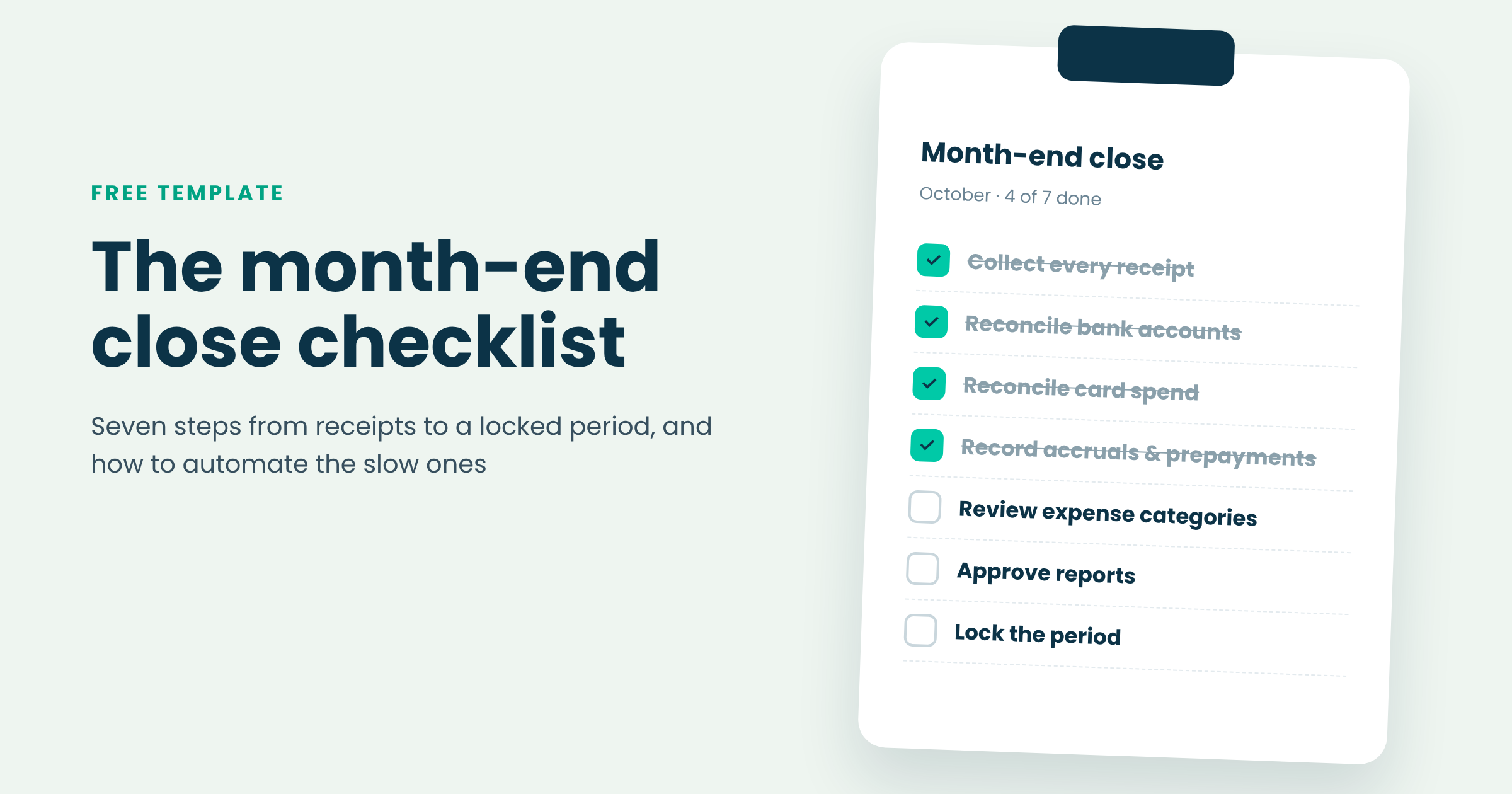
Month-end close is the process of recording, reconciling and reviewing a month's transactions so the books are accurate. A typical checklist covers collecting receipts, reconciling bank and card accounts, recording accruals, reviewing expense categories, approving reports and locking the period.
For most finance teams, the last week of the month disappears into the same jobs: chasing receipts, matching statements and fixing categories. Use the checklist below to run it the same way every month, then automate the steps that eat the most time.
What is month-end close?
It's the routine of making sure everything that happened in the month is in the books, correctly. When it's done, owners can trust the numbers for decisions, and year-end and audit become a review of twelve clean months instead of a rebuild.
The month-end close checklist
| Step |
What to do |
Owner |
How to automate |
| ☐ 1. Collect receipts |
Every expense has its receipt or invoice |
Each spender, checked by finance |
Receipts snapped at purchase and matched to transactions |
| ☐ 2. Reconcile bank accounts |
Statement balances match the ledger |
Finance |
Bank feeds in your accounting software |
| ☐ 3. Reconcile card spend |
Every card transaction is recorded and categorised |
Finance |
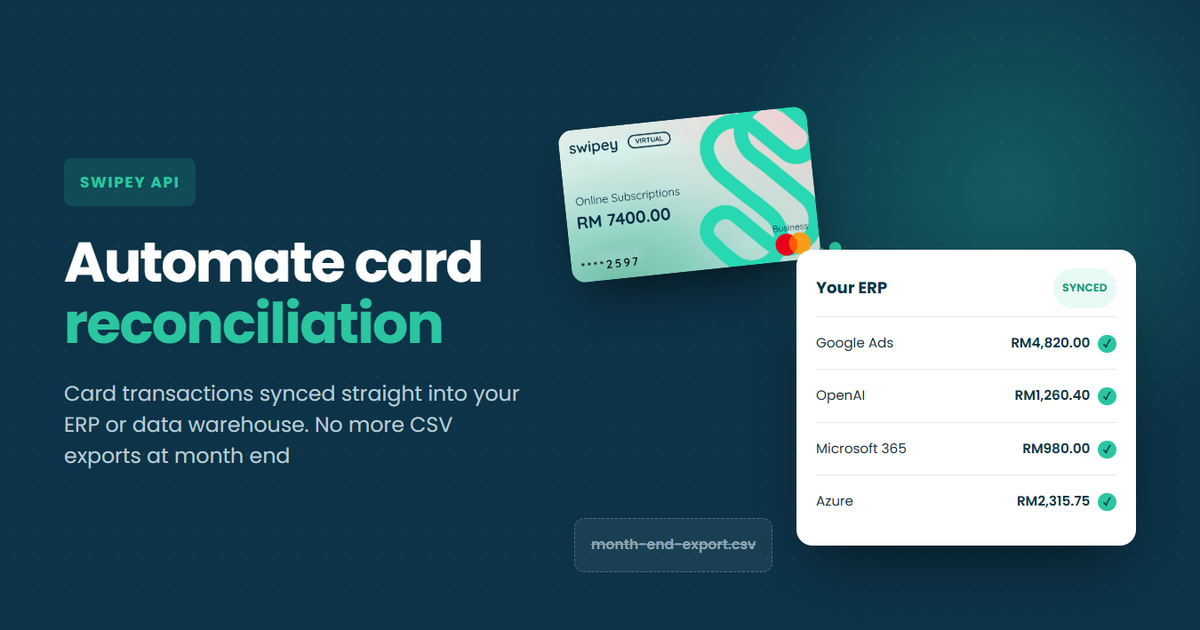
Card spend synced to Bukku, Xero or QuickBooks |
| ☐ 4. Record accruals and prepayments |
Costs land in the month they belong to |
Finance or accountant |
Recurring journals in your accounting software |
| ☐ 5. Review expense categories |
Spend sits in the right accounts, consistently |
Finance |
One card per purpose, so categories are set before spend |
| ☐ 6. Approve reports |
P&L, balance sheet and variances reviewed |
Finance lead or owner |
Standard report pack generated from clean data |
| ☐ 7. Lock the period |
No more changes to a closed month |
Finance lead |
Period lock in your accounting software |
Copy this table into a sheet and tick it off each month. Add steps your business needs, such as payroll, inventory or SST.
The 3 slowest steps, and how to speed them up
01
Automate the receipt chase
Missing receipts are the main reason month-end drags. Capture them when money is spent instead: in the Swipey app, staff snap the receipt and Alfie, Swipey's AI assistant, matches it to the transaction. By month-end there's little left to chase.
02
Keep every expense in one place
Card spend, supplier bills and reimbursements spread across statements, inboxes and spreadsheets are what make reconciliation slow. Put cards and bills on one platform that syncs to your accounting software, and it becomes the single source of truth when someone asks what a payment was.
03
Work from real-time data, not month-end data
When spend is only visible once the books close, problems surface weeks late. With every transaction recorded as it happens, finance can clear issues weekly, and month-end becomes a final check rather than a catch-up.
How long should month-end take?
It depends on your volume and how much of the work is still manual. A useful target is to close within the first week of the next month, so reports arrive while they can still change decisions. Teams on Swipey close their books 12x faster, because receipts, categories and sync happen as money is spent. For the approach behind this, see how to simplify accounting and our Bukku integration guide.
FAQ
How long should month-end close take?
It depends on volume and how manual your process is. A good target is to close within the first week of the following month, so reports are still useful for decisions.
What's included in a month-end checklist?
Collecting receipts, reconciling bank and card accounts, recording accruals and prepayments, reviewing expense categories, approving reports and locking the period.
How can I close the books faster?
Capture receipts at purchase, keep card spend and bills on one platform that syncs to your accounting software, and clear issues weekly instead of at month-end.
Close your month 12x faster
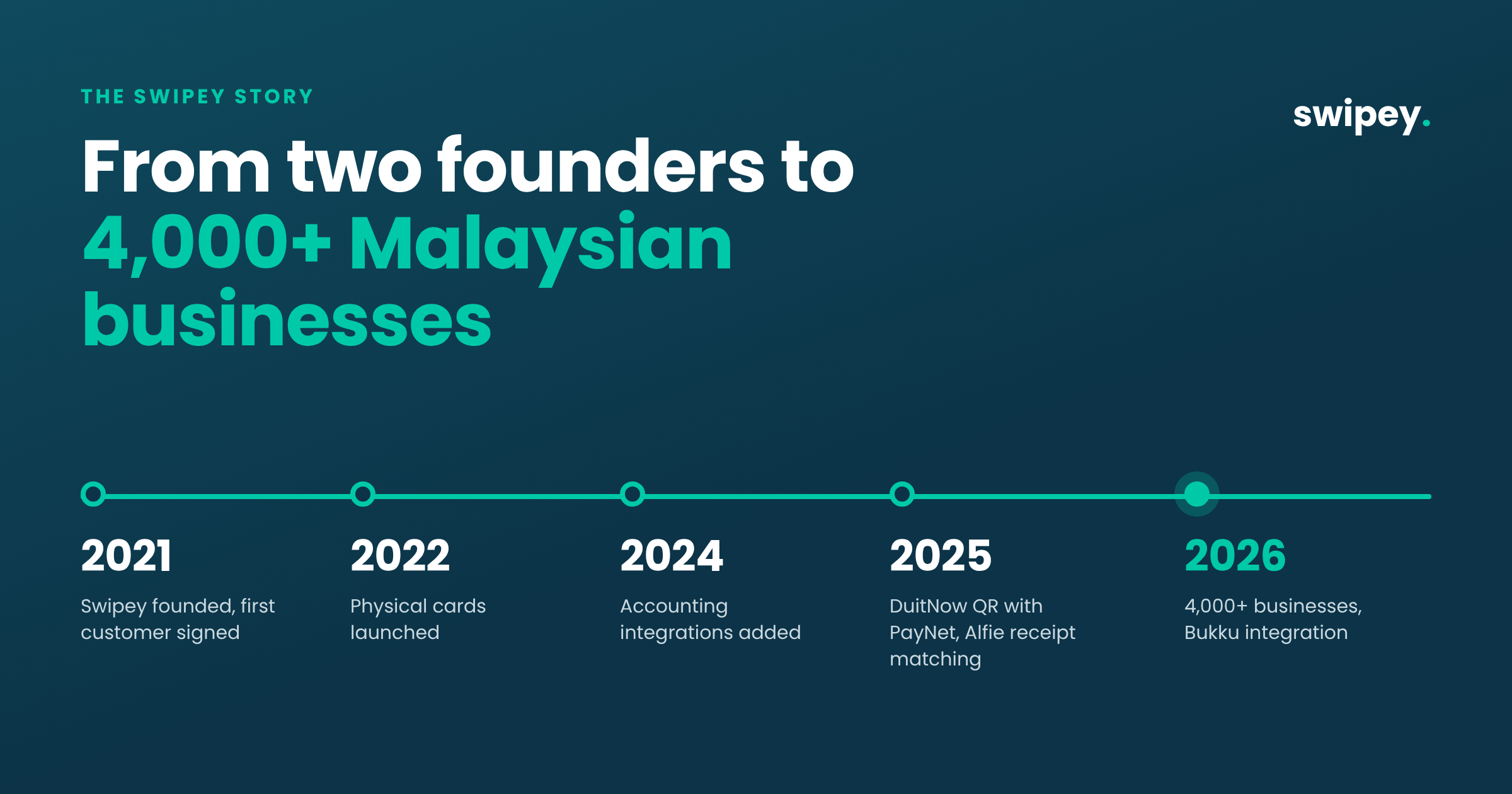
Receipts matched as you spend, card spend and bills in one place, synced to Bukku, Xero or QuickBooks. Trusted by 4,000+ Malaysian businesses.